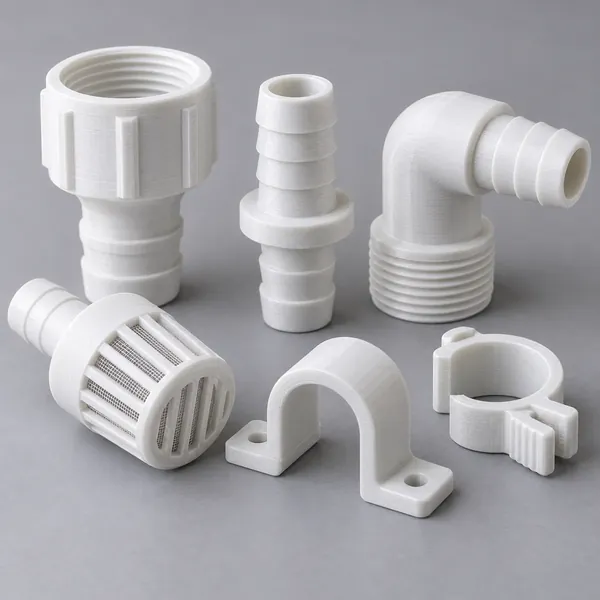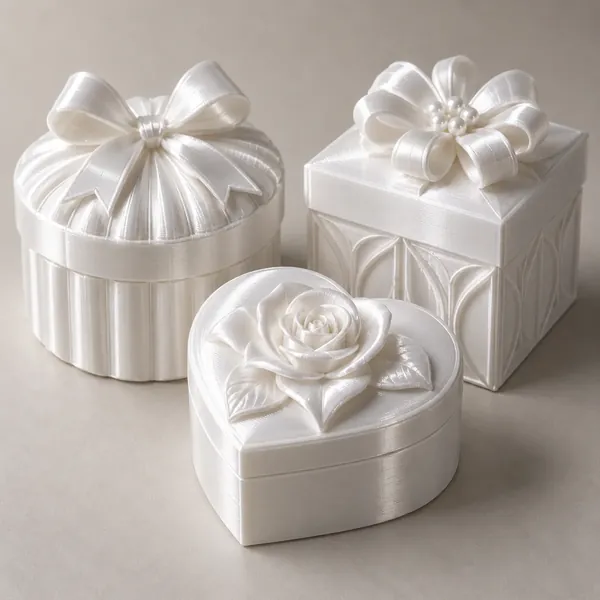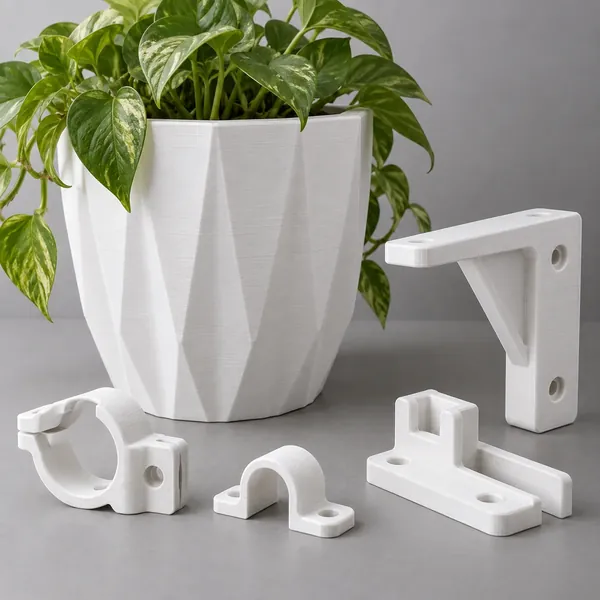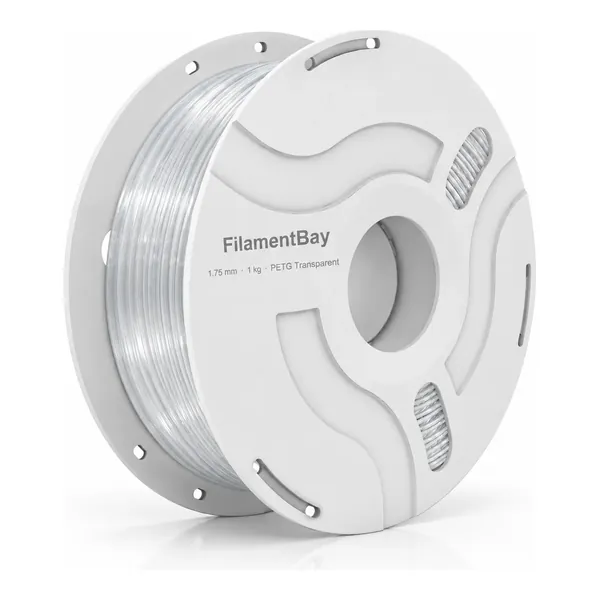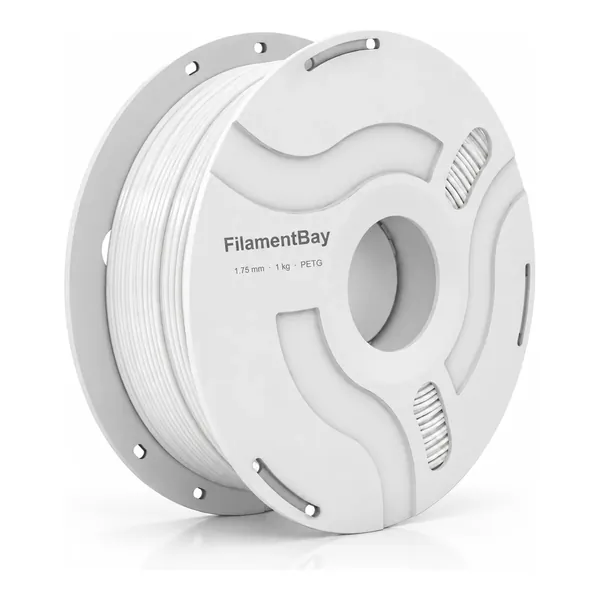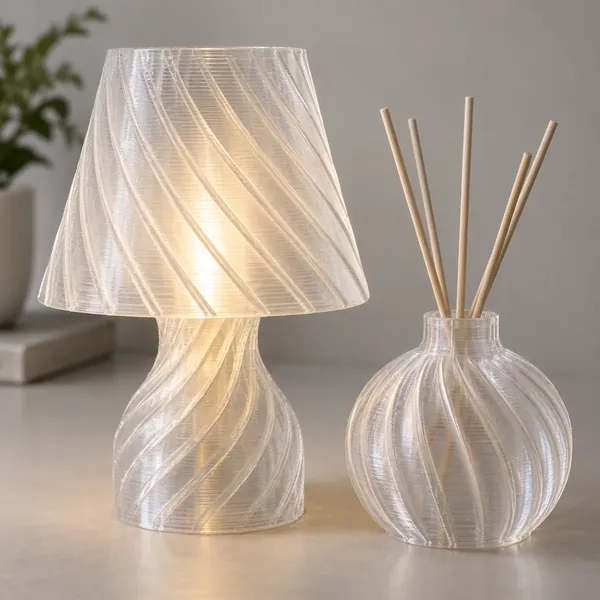
Illustrative imagery; not a record of a material validation test.
Transparent PETG: compare clarity, light transmission and decorative effects
- Choose whether you need to see through the part or create a translucent effect.
- Compare equal geometry under fixed lighting and viewing distances.
- Transparent filament does not guarantee a glass-clear printed object.
Define what success looks like before slicing
A glowing shade, a cover that reveals a silhouette and a window that preserves readable detail need different acceptance checks. Record the task, viewing direction, background and lighting. Clear-looking filament alone cannot establish finished-part clarity. The existing cover is a product application illustration, not an optical measurement or a photograph from this proposed protocol.
For a decorative part, record whether the intended glow or pattern is visible. For a viewing cover, choose a fixed text or line target behind it. Keep brightness and image sharpness as separate observations; a bright panel can still blur detail. Do not promise glass-like results.
Prepare a baseline with useful geometry
Use the supported PETG profile for your printer and nozzle, and record the exact transparent grade, color and spool. Follow its handling and drying instructions. Establish consistent extrusion and a clean nozzle before comparing optics; troubleshooting an unstable print and changing its structure at once makes the result difficult to interpret.
Design a flat coupon with the thickness and viewing direction of the intended part. Add an identification tab outside the viewing area. Save the model, orientation, toolpath preview and profile. Print an unchanged reference first. The procedure here is a proposal for your own comparisons, not a report of FilamentBay transmission testing.
Separate structure, path direction and surface effects
Prusa's transparent-printing example explains that internal gaps scatter light and describes results for specified materials and machines. Its numerical recipe is not a universal PETG profile. Use that mechanism as a reason to inspect voids and line junctions, not as permission to copy its flow, speed or cooling values.
Compare one factor at a time: wall arrangement, toolpath direction, layer geometry or surface texture. Keep overall thickness constant when isolating a path change. If wall count changes thickness, label it as a combined geometry comparison. Check the slicer preview: selecting solid infill does not itself prove that the finished piece contains no voids.
Match the comparison to the intended effect
Place each cooled coupon at the same distance from the target and camera. Fix light position, exposure and viewing angle; keep the build-plate face identified. Examine both faces and the intended viewing direction. Record visible voids, haze, readable detail and decorative appearance separately.
For an actual transmission measurement, use an appropriate calibrated setup and document its method. Phone photographs and automatic exposure cannot establish a transmission percentage. The table helps plan comparisons without treating a pleasing photograph as laboratory evidence.
| Intended use | Compare | Record before accepting |
|---|---|---|
| Viewing cover | Same target behind equal thickness | Readable detail and viewing angle |
| Decorative diffuser | Same light and distance | Glow distribution and visible pattern |
| Directional appearance | Path direction at fixed geometry | Both faces and orientations |
| Wall-design choice | Labeled wall/thickness variants | Thickness plus optical appearance |
| Transmission specification | Calibrated measurement method | Setup, specimen and uncertainty |
Confirm the finished part in its actual setting
Repeat the preferred coupon before making a representative part. Evaluate it with the intended background, lighting and assembly. A flat sample does not establish how curved walls, seams or mounting features will look. Retain failures alongside the accepted sample so later batches can be compared under the same conditions.
Save the chosen profile and observations with the material record. This workflow does not prescribe chemical or heat finishing; treatments documented for other polymers are not PETG instructions. If the required viewing detail cannot be achieved repeatably, change the design or material requirement rather than claiming that transparent PETG meets an unverified optical specification.
Sources and limits
- Prusa: 3D printed lenses and other cool transparent objects — Internal-gap scattering and material/machine-specific examples; its numerical settings and finishing methods are not adopted here. Reviewed 2026-10-23.
- Prusa: PETG — PETG material context; no optical specification or FilamentBay-specific performance is established. Reviewed 2026-10-23.
- FilamentBay: New filament calibration workflow — Related extrusion baseline and record keeping; internal guidance, not independent optical evidence. Reviewed 2026-10-23.
- FilamentBay evidence register — Image provenance and supplier-data limits; covers are illustrative and no completed optical test is claimed. Reviewed 2026-10-23.
Compare all material grades · Profile validation status · Evidence register
Revision record
: Initial publication: defined separate optical goals, controlled coupon comparisons and a decision table without unverified clarity or transmission claims.