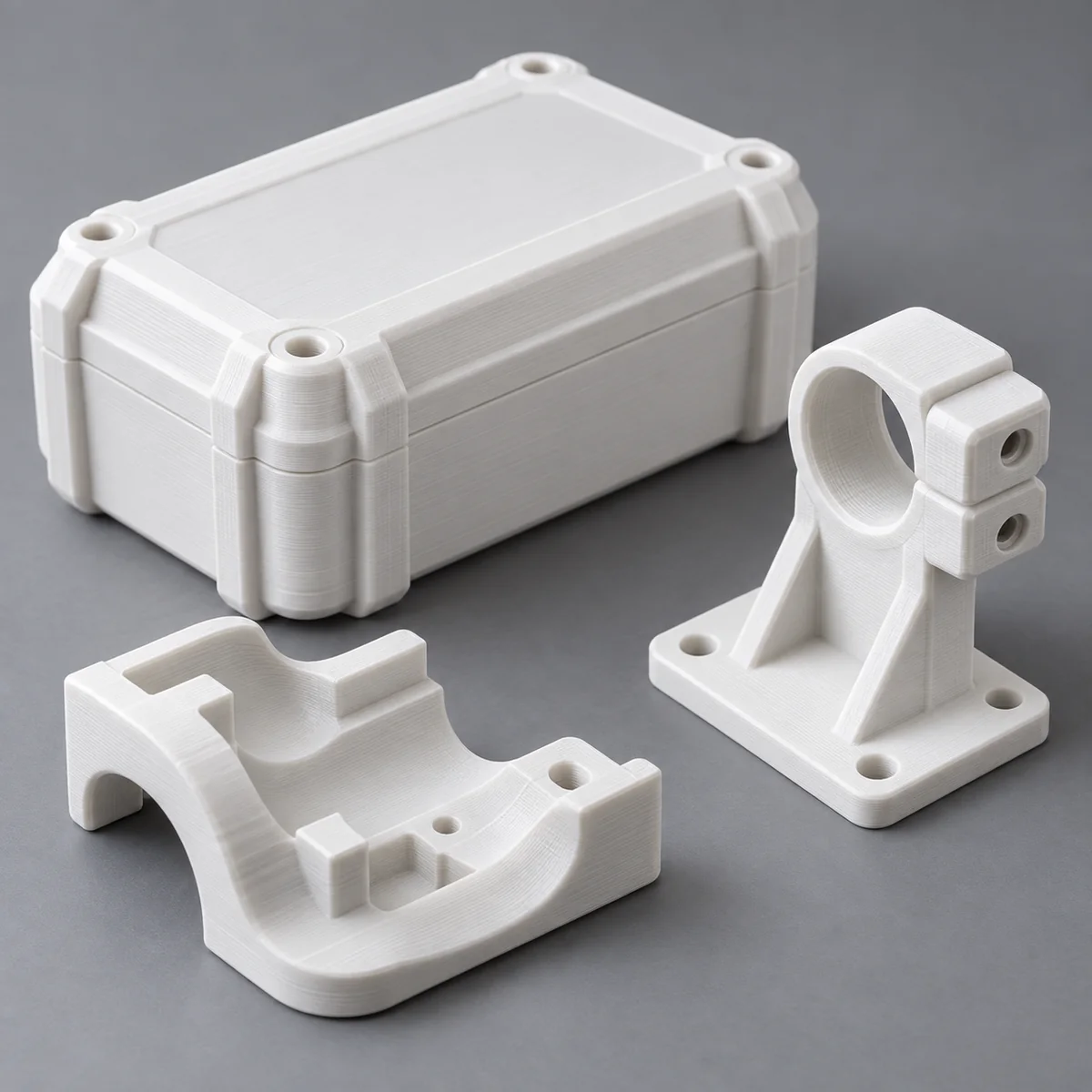
Illustrative imagery; not a record of a material validation test.
New filament calibration: flow ratio, pressure advance and maximum volumetric speed
- Resolve feed, moisture, nozzle and first-layer problems before tuning a coefficient.
- Extrusion amount, pressure response and maximum throughput answer different questions.
- Keep results tied to the printer, nozzle, material lot and temperature; recheck the combined profile.
Establish a baseline that can be restored
Duplicate the appropriate manufacturer material profile for your exact printer and nozzle. Record filament grade, color, lot, conditioning history, firmware, slicer version and plate. Confirm equipment temperature limits and reliable feeding. If the material identity or baseline is uncertain, resolve that first; a calibration pattern cannot identify an unknown polymer.
Print a baseline sample; inspect first layer, extrusion continuity and nozzle condition. Resolve drag, slipping, obstruction or moisture before tuning. This is a proposed trial, not a validated FilamentBay preset. The cover illustrates a printer, not measured results.
Separate the three controls
Prusa describes extrusion multiplier as an adjustment to the amount extruded. Bambu’s P2S manual separately describes flow dynamics and flow rate calibration. Names and interfaces vary: read your machine’s current instructions. Use the table to choose the relevant test rather than assuming every control containing “flow” does the same job.
| Control | Question | Proposed observation |
|---|---|---|
| Flow ratio / extrusion multiplier | Is the deposited amount appropriate? | Consistent top fill at modest throughput |
| Pressure advance / flow dynamics | Does delivery follow speed changes? | Corners and transitions on a documented pattern |
| Maximum volumetric speed | What throughput remains acceptable? | Progressive flow trial and repeat confirmation |
Calibrate amount and pressure response deliberately
Choose a temperature within material and equipment limits, then use the slicer’s documented flow-ratio method at modest throughput. Keep geometry, line width, layer height and cooling unchanged. Compare the requested surface or measurement evidence. Save original and candidate values to repeat the comparison.
Use the printer’s supported pressure-advance or flow-dynamics procedure next, following its stated order if different. Keep the accepted amount setting fixed while examining transitions. A K value or similarly named coefficient belongs to its firmware implementation and setup; do not transplant it between printers or assume identical calibration menus. Record how the result was chosen, including an automatic result if used.
Bound throughput, then confirm the whole profile
Use the slicer’s documented progressive-flow test with the same nozzle, temperature and material condition. Volumetric demand relates to deposited line cross-section and print speed; a linear speed alone is not a flow limit. Mark the first unacceptable region, select a conservative working ceiling below it, and repeat a representative section. This is a trial-derived operating choice, not a universal material rating.
Finally print the intended part or a representative subset with the combined settings. Check fit, surface and the function you actually need. Revisit dynamics after meaningful temperature or throughput changes as your printer guidance requires. Save the project and observations with the profile. FilamentBay PCTG JSON downloads are manual-transfer worksheets because a matching base is unverified; do not force them into another polymer’s preset.
Sources and limits
- Prusa: Extrusion multiplier calibration — Extrusion-amount concept; source-specific methods are not universal settings. Reviewed 2026-10-23.
- Bambu Lab P2S user manual, 2026.05, pages 78–80 — Distinguishes Flow Dynamics and Flow Rate; interfaces and coefficients remain machine-specific. Reviewed 2026-10-23.
- OrcaSlicer: Maximum Volumetric Speed calibration — Progressive-flow trial and conservative working limits; Orca-specific methods, not transferable defaults. Reviewed 2026-10-23.
- FilamentBay profiles — Starting-setting limitations and PCTG worksheet status; no hardware-tested preset claimed. Reviewed 2026-10-23.
Compare all material grades · Profile validation status · Evidence register
Revision record
: Initial publication: separated amount, pressure response and throughput into a reproducible calibration and confirmation workflow.