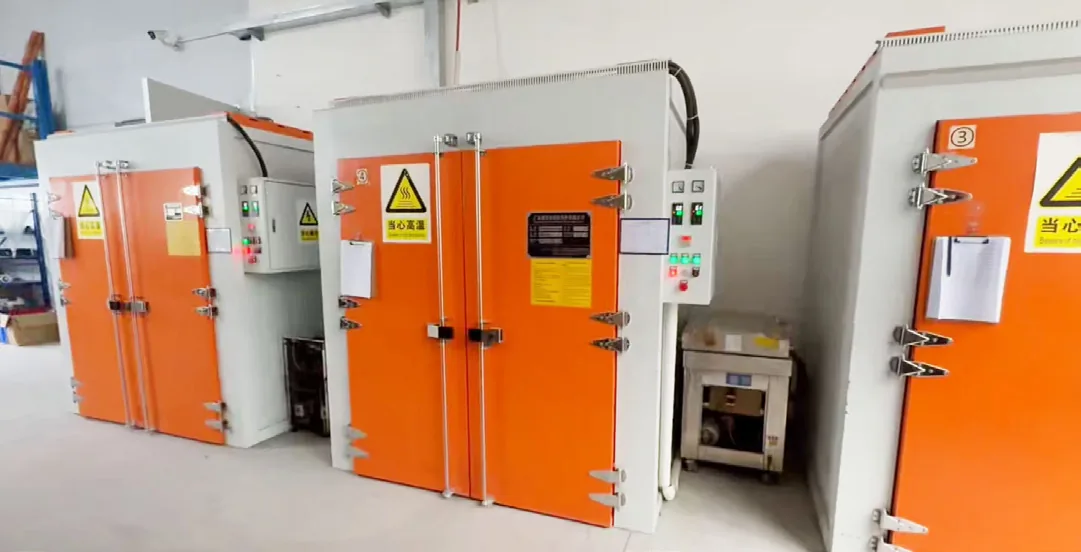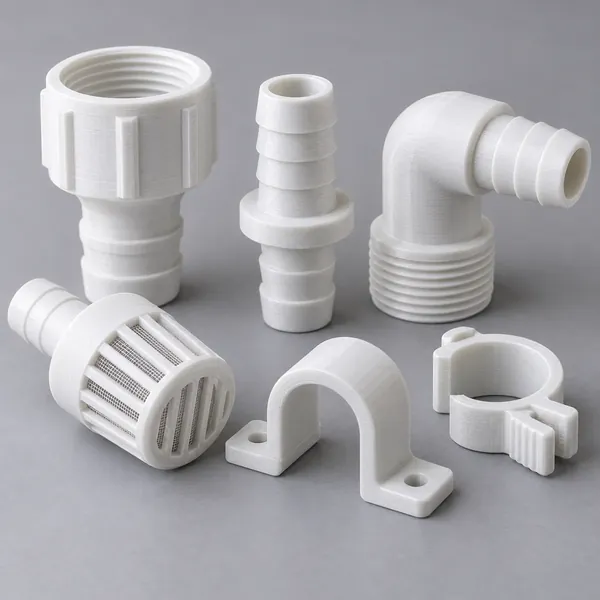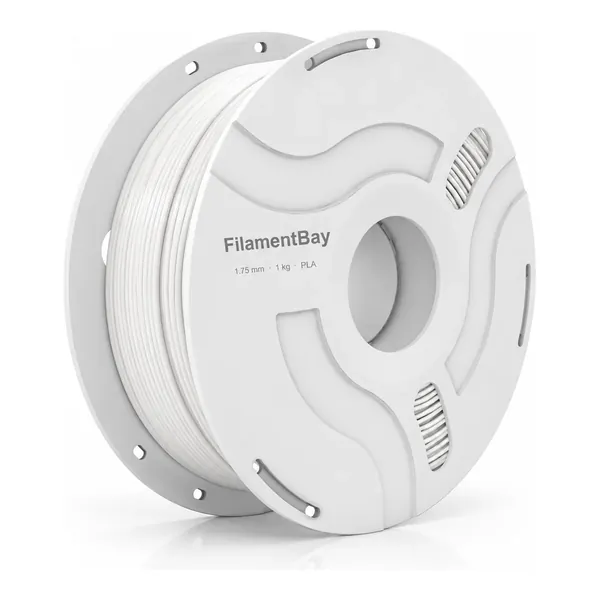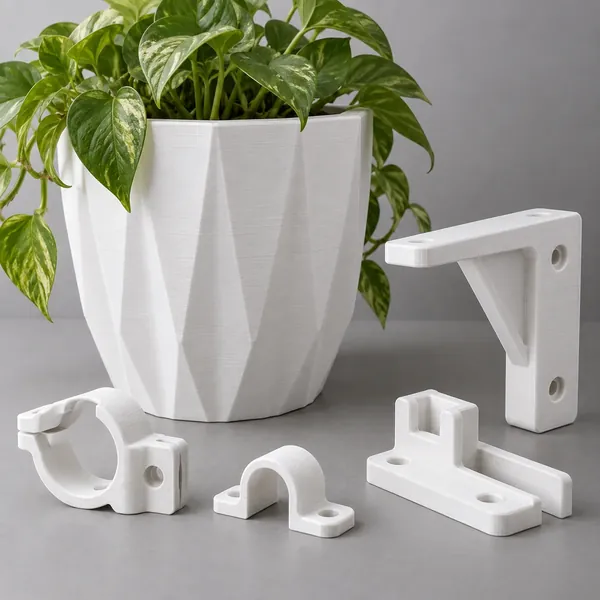
Illustrative imagery; not a record of a material validation test.
First layer won't stick—or sticks too well: a material and build-plate checklist
- Record the exact filament and plate pairing before changing adhesion.
- Check cleanliness, nozzle-to-plate geometry and extrusion separately.
- For PETG or TPU, follow the plate maker's release-layer guidance before printing.
Record the material and surface as a pair
A first layer that slides away and a part that damages its plate need different decisions. Start by recording the filament grade, plate model and coating, selected slicer plate, nozzle, and current profile. Keep a photograph of the failed patch. This proposed checklist is a diagnostic workflow, not a report of FilamentBay print trials.
Read the plate maker's instructions for that material. PETG and TPU can bond too strongly to some surfaces; use a release layer only where that maker specifies it. There is no universal alcohol, acetone or glue treatment for every coating. The cover is an application illustration, not evidence of an adhesion test.
Separate cleanliness, geometry and material delivery
Handle a cooled plate by its edges and clean it using its approved method. A patch that fails where fingers or tools touched is a reason to investigate contamination. Repeat the same small patch after cleaning while keeping the profile unchanged; location alone does not prove the cause.
Next check plate seating and run the printer's documented leveling or first-layer procedure. Rounded, disconnected lines suggest a geometry check; deeply ridged or scraped lines also need one. Prusa's i3 calibration concerns nozzle distance on the listed machines. Do not transfer its Live Z procedure to every automatic-calibration printer.
Choose one check from the symptom
Use this decision table to choose the next observation, not to diagnose from appearance alone. If extrusion is intermittent, inspect spool drag, feeding and nozzle condition through the printer's maintenance guidance before compensating with extra flow. Stop a patch that scrapes the surface or repeatedly grinds filament.
Keep material, patch geometry, bed location and first-layer speed fixed during each comparison. Change one relevant item, label the result, and return to the saved baseline if the result worsens.
| Observation | Next check | Evidence to retain |
|---|---|---|
| Local patch lifts | Approved cleaning; repeat same location | Before/after photo |
| Lines stay rounded or scrape | Printer-specific geometry procedure | Calibration state and patch |
| Gaps appear intermittently | Feed path and extrusion stability | Spool path and defect photo |
| Part will not release | Plate/material release instructions | Coating, material and cooling state |
Confirm adhesion and release before a long job
Once a patch is consistent, print a small representative footprint. Judge both whether it stays flat and whether it releases by the plate maker's cooling and removal method. A successful tiny square does not establish that a broad PETG base will release equally well. Avoid forcing a strongly bonded part off the coating.
Save the accepted pairing and preparation method with the profile. Recheck after changing plate, nozzle or material. If adhesion improves but gaps remain, continue extrusion diagnosis rather than treating stronger grip as a complete fix. For support, send the original failure, changed variable and repeated result; these make the next check more useful.
Sources and limits
- Prusa: First layer issues — Surface and material precautions; instructions apply to the specified Prusa sheets. Reviewed 2026-10-23.
- Prusa: First Layer Calibration (i3) — Nozzle-distance calibration for listed i3 machines; not a universal automatic-printer procedure. Reviewed 2026-10-23.
- FilamentBay evidence register — Supplier-data limits and image provenance; no completed adhesion trial is claimed. Reviewed 2026-10-23.
Compare all material grades · Profile validation status · Evidence register
Revision record
: Initial publication: added a material/plate record, cause-separation table and controlled adhesion-and-release workflow.