PLA Filament
Explore for décor and figurines · rapid prototypes
$15.99 / 1 kg · 1.75 mm
Stock confirmation required
AMS / AMS lite
4+ ≈ $14.07 / spool
10 colors - White
- Grey
- Black
- Light Green
- Dark Red
- Orange
For new printers
Start with one material and a small test you can repeat. Once the process is stable, compare finishes or flexibility without changing everything at once.
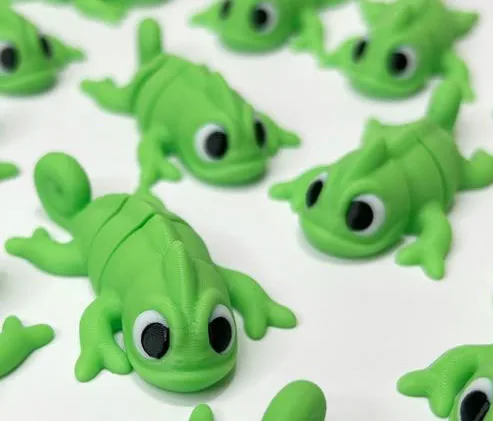
Explore for décor and figurines · rapid prototypes
Stock confirmation required
AMS / AMS lite
Explore for planters and homeware · miniatures
Stock confirmation required
AMS / AMS lite
Explore for planters and outdoor parts · mechanical brackets
Stock confirmation required
AMS / AMS lite
Temperature. Start in the middle of the range on the spool. Hotter for speed and layer bonding, cooler for overhangs and detail.
First layer. Check leveling and clean the build surface according to its manufacturer. Inspect a small first-layer pattern before printing the part.
Dry filament. Popping, stringing and rough surfaces can indicate moisture, but temperature, flow and travel can also contribute. See the drying guide.
Check the settings hub for supported material mappings, file type and target machine. Available files contain starting values; they do not set a validated speed, cooling or flow limit for your printer.
Get the profiles